
Namasoft is opening its latest release to every Nama ERP customer. Until October 15, 2026, any customer can upgrade their system to the newest release free of charge. That includes customers whose support contract has ended. The version you upgrade to is yours to keep.
Nama ERP has a new interface, and we want every installation to have it, not only the ones on a support contract. The release also includes important security fixes, so we recommend it for every installation. Customers with an active support contract also get the new AI assistant and MCP server.
What you get
A new interface
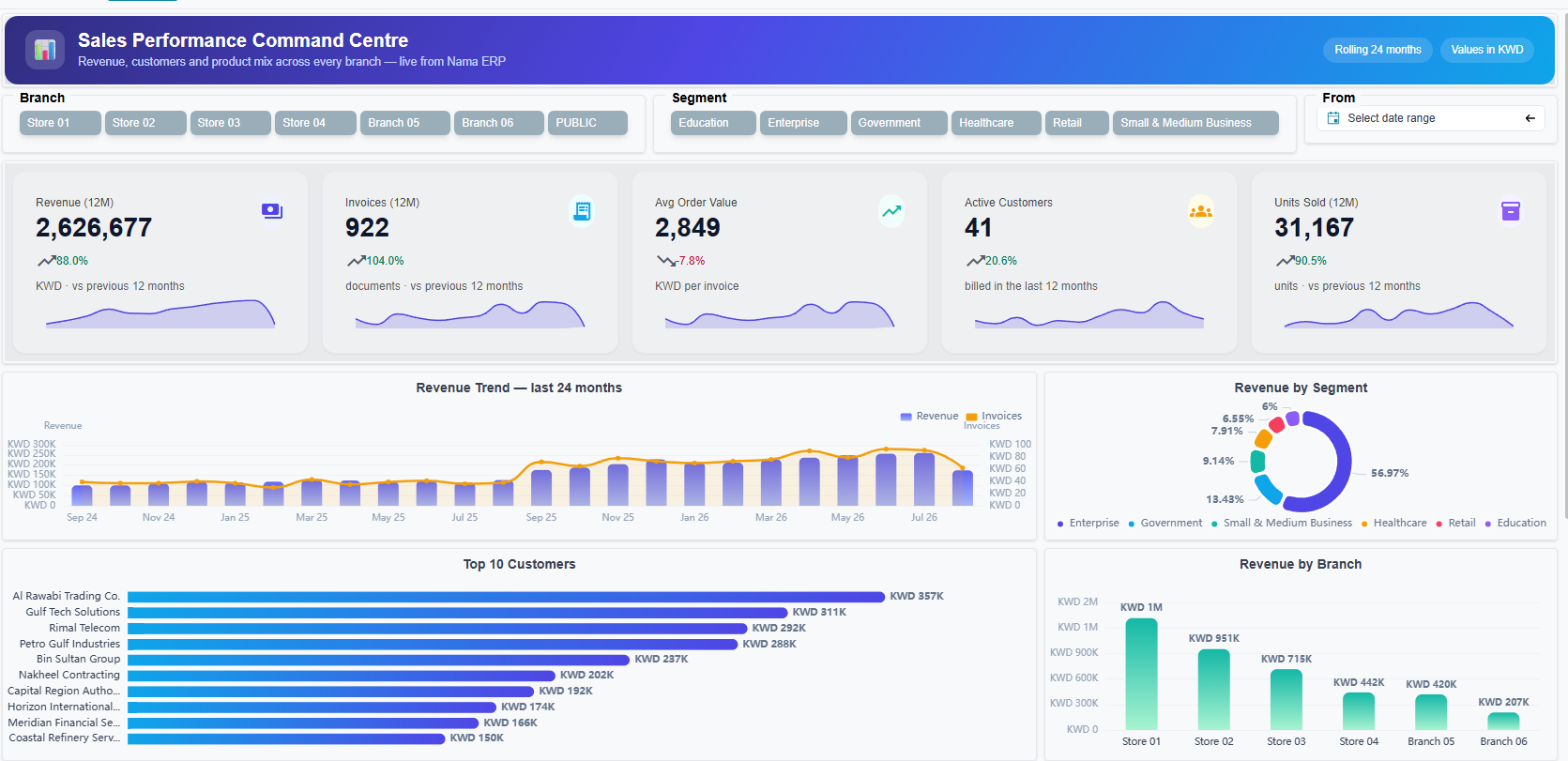
The web interface has been rebuilt. Each user picks a light or dark theme and a display density, and the choice takes effect straight away. The menu is searchable. List views can be filtered from any column header, sorted on several columns, and have columns pinned. Select a range of cells and you see their sum, minimum and maximum. Approvals and other daily work have layouts made for the phone.
We described it in detail in a tour of the Nama ERP web interface.
An AI assistant inside the system
For customers with an active support contract.
A chat window inside Nama ERP answers questions in Arabic or English from your live data. It can run reports, execute entity flows and search the documentation. It works only through tools your administrator defines. Every answer runs with the permissions of the person asking, so nobody sees more than they are already allowed to see. See what the assistant does day to day.
Your ERP as an MCP server
For customers with an active support contract.
Nama ERP ships a built-in MCP server. AI clients such as Claude Desktop and Claude Code can connect to your system and find, read and import records. Each client runs as a named user under your full security model. Read more about connecting an AI client to Nama ERP.
Security fixes
This release includes security hardening, including fixes for issues that were reported to us. We recommend that every installation upgrade, whether or not you plan to use the new features. Servers that can be reached from the internet should upgrade first.
Everything else since your last upgrade
Nama ERP ships a new release every month. Upgrading brings every release you missed in between, not only the latest one: new features, fixes and performance work across the whole system. The monthly release notes list each change.
The AI module is free until the end of the year
Customers with an active support contract can use the AI module (the assistant and the MCP server) free of charge until December 31, 2026. Ask your account manager to enable it on your licence. You connect it to the model provider of your choice, including a model hosted on your own servers.
Upgrade it yourself
You do not need to wait for a visit or book a session. The upgrade runs from your own server:
- Back up your database first. The upgrader keeps a copy of the previous release’s application files, but it does not back up your data.
- Pick a quiet time. The application restarts during the upgrade, and users are signed out.
- Open
http(s)://your-server-or-ip:port/erp/utilsin a browser. - Sign in as
admin, or as a user who has Allow Access to Admin Restricted Functionality ticked in their user settings. - In the System Update section, choose Upgrade To The Latest Release.
- Check the confirmation screen, which shows your current release and the new one, then confirm.
- Follow the progress with Monitor Upgrader Status. When it finishes, sign in again.
The server downloads the new release itself, so it needs internet access to
namasoft.com. On Windows, the Tomcat service must run under the Local System
account. The installation guide
covers both requirements, and what to do if the server cannot reach the
internet.
Who helps with what
- Customers with an active support contract can ask our support team for help with the upgrade, as usual.
- Customers without a support contract carry out the upgrade themselves using the steps above. The upgrade is free, but our support team cannot assist with it.
Key dates
| Date | What ends |
|---|---|
| October 15, 2026 | The free upgrade window. Upgrade on or before this date. |
| December 31, 2026 | Free use of the AI module for customers with an active support contract. |
After October 15, upgrading requires an active support contract again. The version you installed during the offer stays yours.
If you would like to renew your support contract, or add the AI module afterwards, get in touch with us.